Join Our Community










Get the earliest access to hand-picked content weekly for free.
Spam-free guaranteed! Only insights.
Join Our Community
Get the earliest access to hand-picked content weekly for free.
Spam-free guaranteed! Only insights.
🎯 Quick Impact Summary
In a significant shift to its productivity software strategy, Microsoft has announced that it's making its Office web applications completely free for personal use. This move eliminates the previous requirement for a Microsoft account to access these tools and introduces AI capabilities, including Copilot Chat, to all users. The change marks Microsoft's most aggressive push yet to compete with Google's suite of free productivity tools.
Microsoft's decision to make Office web apps freely accessible represents a major departure from its traditional subscription-based model. Starting soon, anyone can use Word, Excel, PowerPoint, and Outlook online without needing to sign in with a Microsoft account. This removes a significant barrier that previously gave Google's free productivity tools an edge in the market.
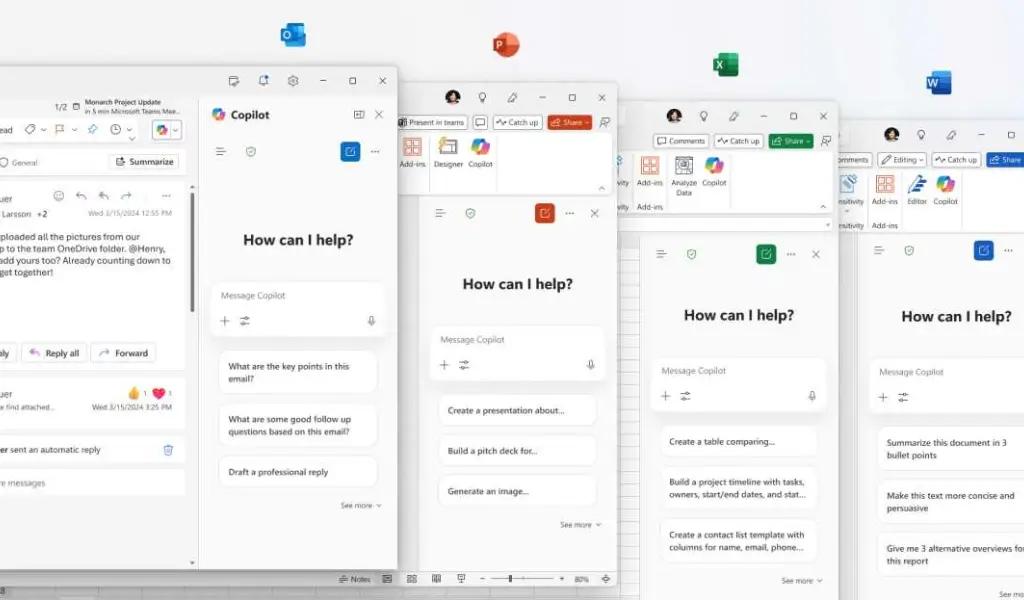
The company is also bringing its AI assistant, Copilot, to these free web applications. Free users will receive 50 Copilot prompts per month, allowing them to leverage AI capabilities for content creation, data analysis, and other productivity tasks. This allocation provides enough AI assistance for casual users while still offering incentives for power users to upgrade to paid tiers.
Tom Warren, senior editor at The Verge, notes that this move "opens up Microsoft's productivity apps to many more people who might have been using Google's alternatives because they're free and don't require an account."
The integration of Copilot into free Office applications brings powerful AI capabilities to everyone. In Word, users can now generate text, summarize documents, and receive writing suggestions. Excel users can analyze data patterns and generate formulas with natural language prompts. PowerPoint gains presentation creation and design assistance, while Outlook users can draft emails and summarize conversations.
Microsoft's Copilot Chat provides contextual assistance across all applications, allowing users to ask questions about their documents and receive immediate help. For instance, users working on a budget in Excel could ask Copilot to explain formulas or suggest ways to optimize their spreadsheet.
These AI features are part of Microsoft's broader strategy to differentiate its productivity tools in an increasingly competitive market. By offering 50 free Copilot prompts monthly, Microsoft provides enough AI assistance to demonstrate value while encouraging users who need more extensive AI capabilities to upgrade to Microsoft 365 Personal or Family subscriptions.
Alongside making Office free, Microsoft is rebranding Office.com to Microsoft.com. This change reflects the company's evolution beyond traditional office applications to a broader ecosystem of productivity and AI tools. The Microsoft.com hub will serve as a central access point for all the company's free web applications.
This strategic shift directly challenges Google's dominance in free productivity software. For years, Google has attracted users with its no-cost Docs, Sheets, and Slides applications, building a substantial user base, particularly among students and small businesses. Microsoft's move to eliminate account requirements and add AI features aims to recapture market share in these segments.
Industry analysts see this as part of Microsoft's larger AI-first strategy. By introducing millions of new users to its AI tools through free Office applications, the company can showcase Copilot's capabilities and potentially convert free users to paid Microsoft 365 subscribers who receive unlimited Copilot access.
The timing of this announcement also coincides with increased competition in the AI productivity space, as Google continues to enhance its Workspace applications with Gemini AI features and other competitors like Notion and Coda gain traction with their AI-powered productivity tools.
FAQ
AI Spotlights
Unleashing Today's trailblazer, this week's game-changers, and this month's legends in AI. Dive in and discover tools that matter.
OpenAI Codex Chrome Extension Review

Perplexity Personal Computer: AI Agents for Mac
OpenAI Voice Intelligence API: New Features Review

ChatGPT Trusted Contact: New Self-Harm Safeguard
CopilotKit Intelligence: Enterprise AI Memory Platform
OpenAI Training Spec: GPU Performance Breakthrough
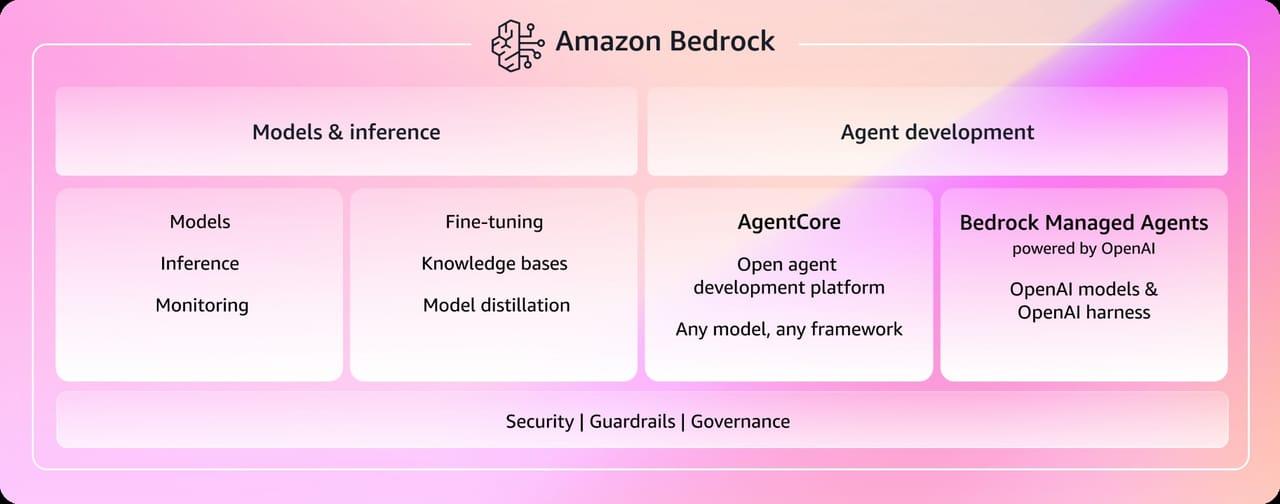
AWS Managed Agents Review: OpenAI Partnership

Glean AI Search Review: Enterprise Search Redefined
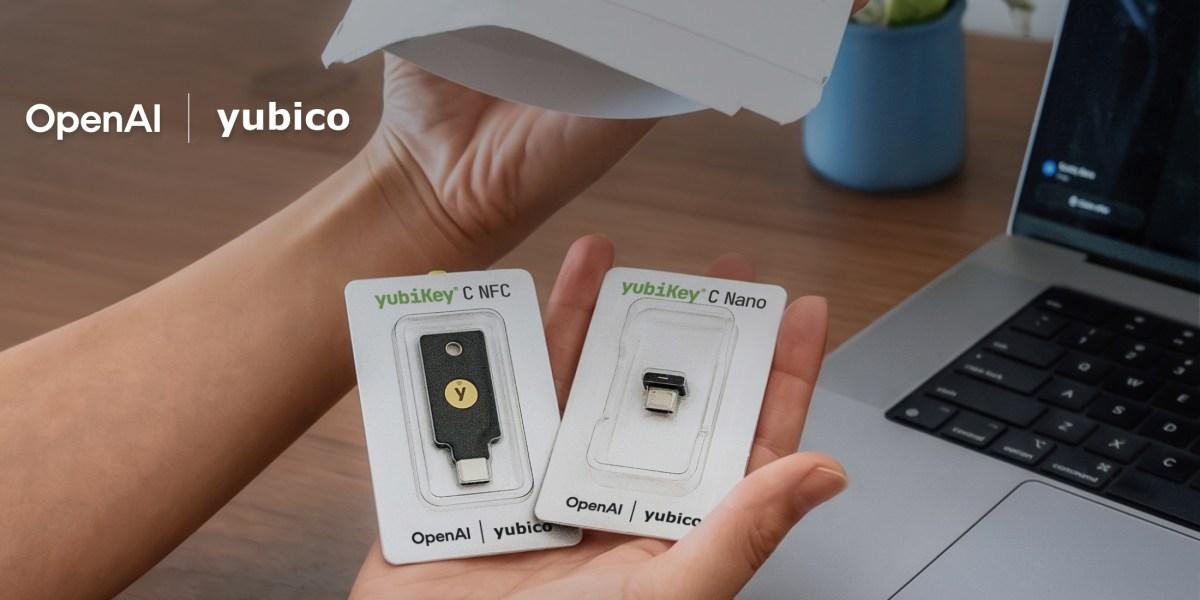
ChatGPT Security Update: Advanced Protection Features
Mistral's Cloud Code Platform Review
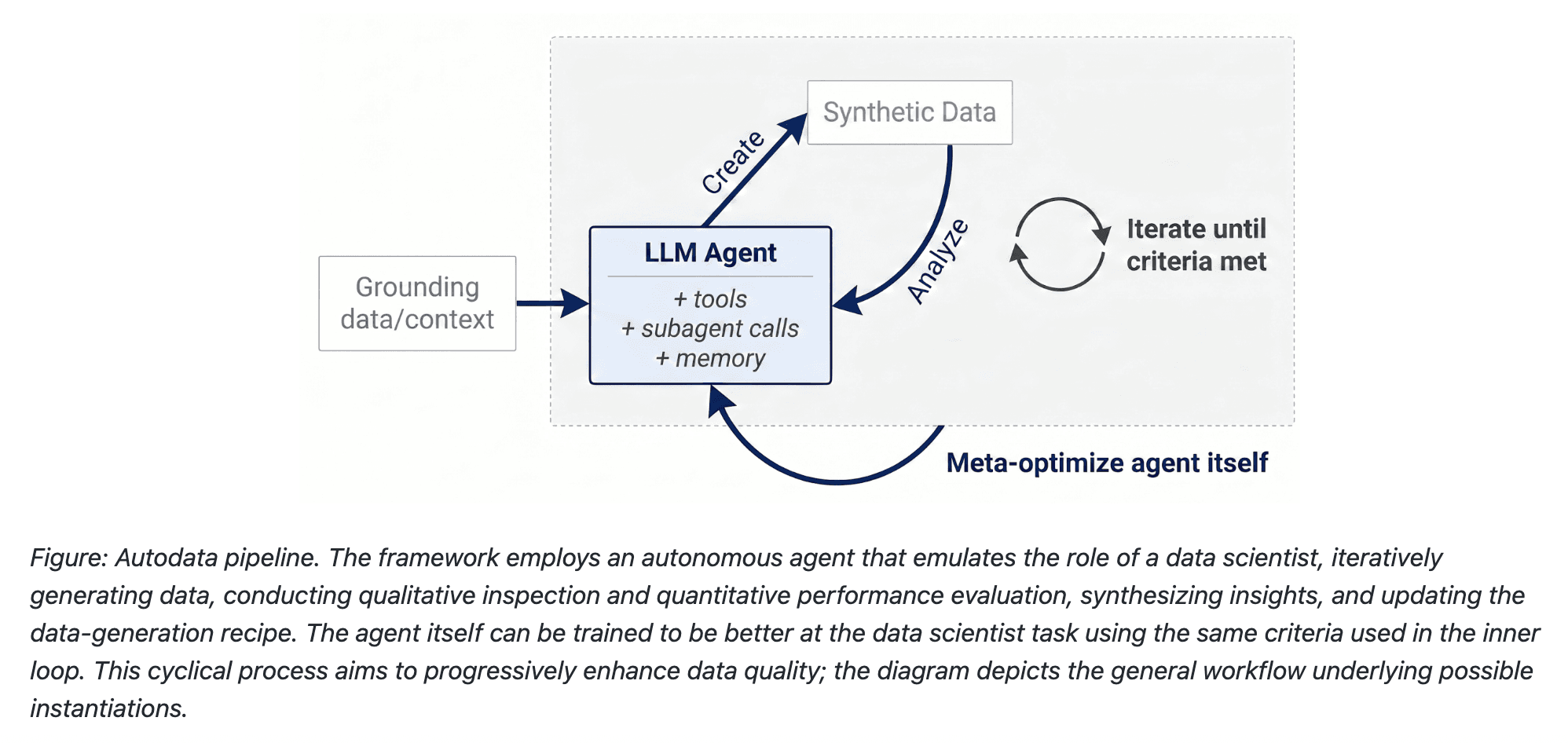
Meta Autodata: AI Framework for Autonomous Data Scientists

Gemini API Webhooks: Real-Time AI Automation
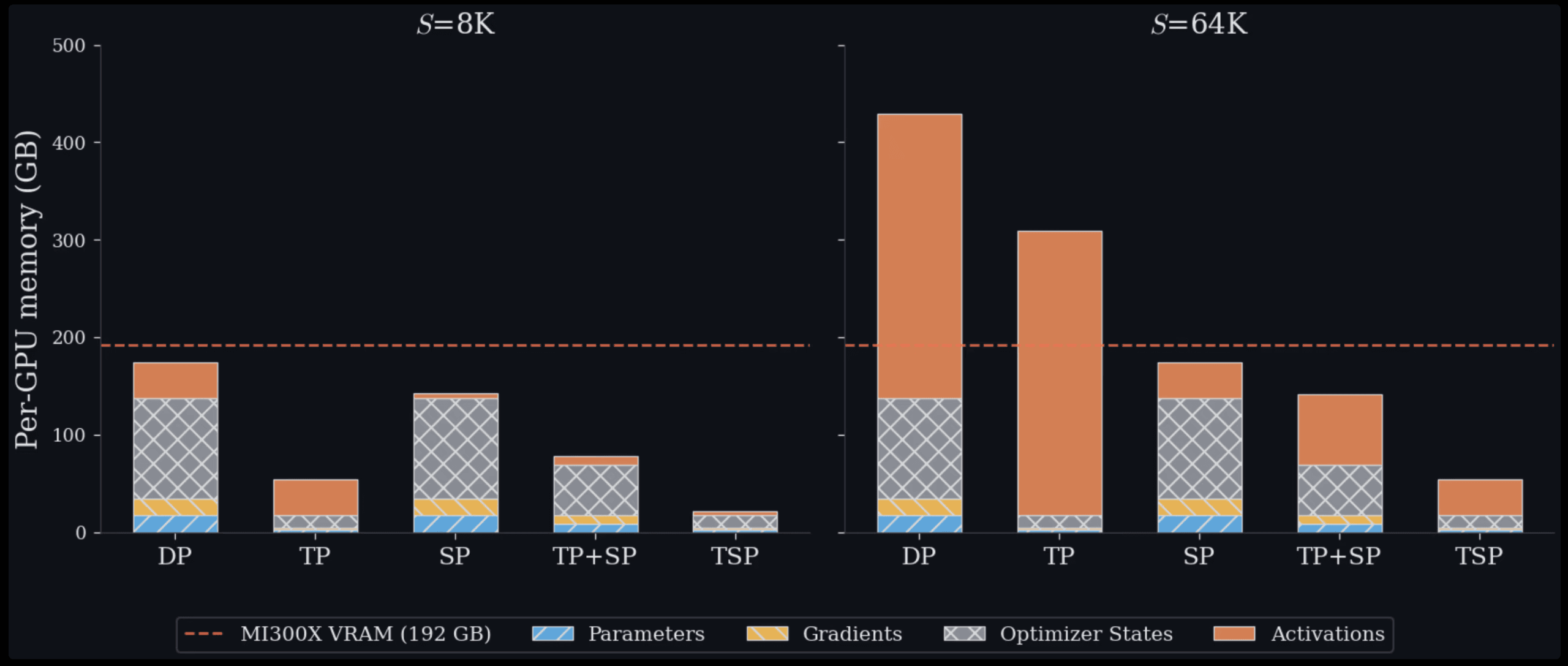
Zyphra TSP: 2.6x Faster AI Training Review

SoundHound OASYS: Self-Learning AI Agent Platform
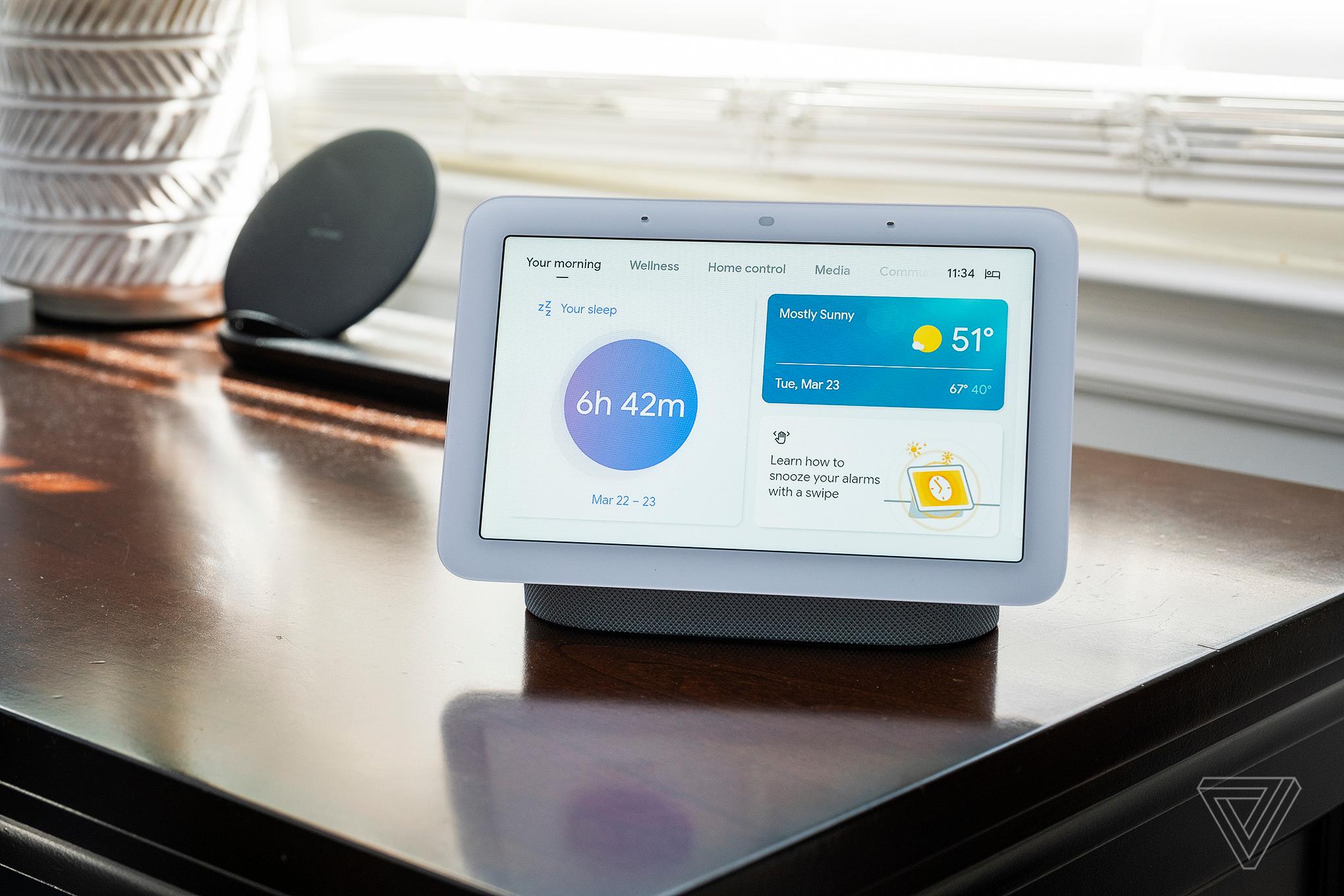
Google Home Gemini 3.1: Smarter AI Assistant
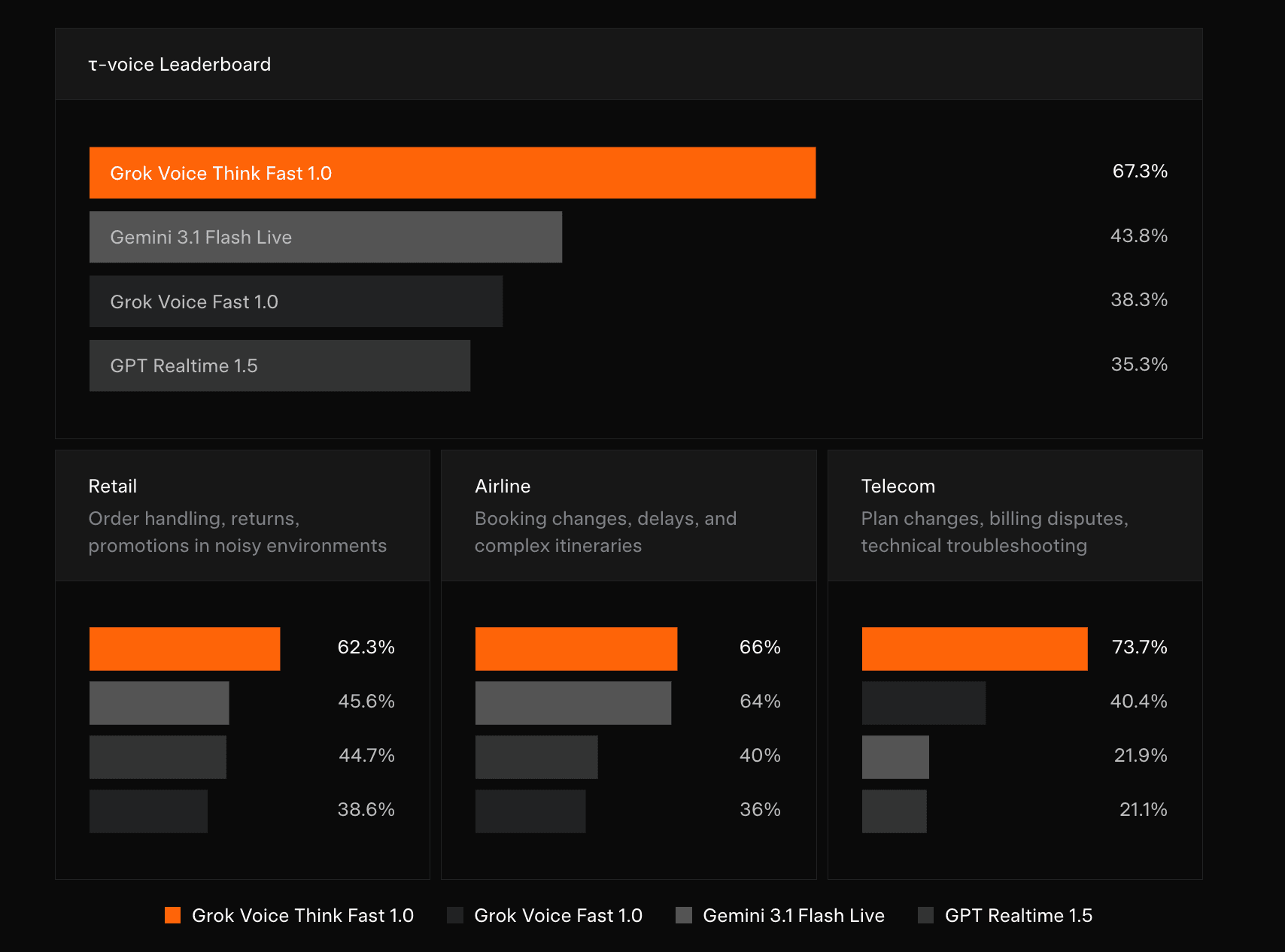
Grok Voice Think Fast 1.0 Review: AI Voice

Vision Banana Review: Google's Instruction-Tuned Image Generator
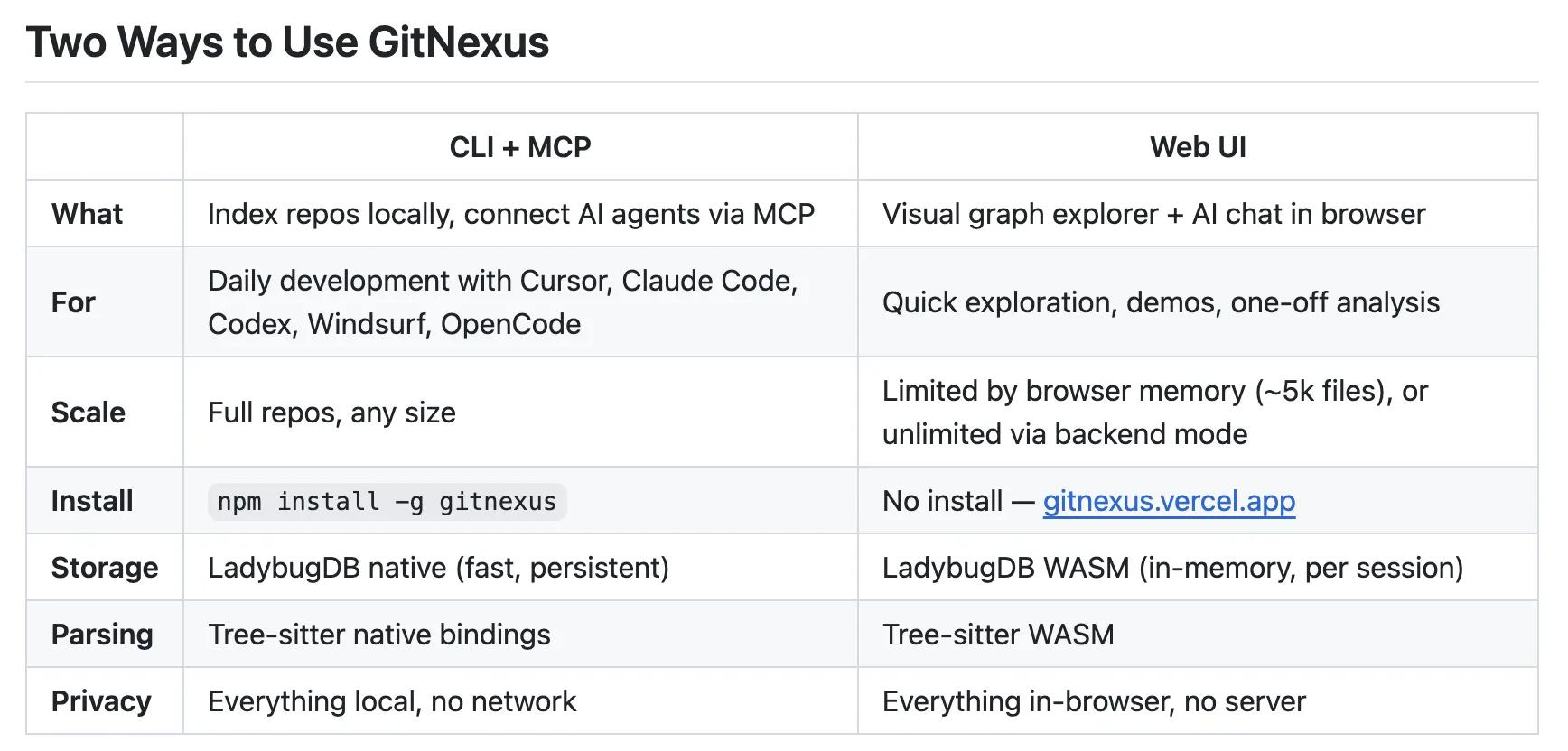
GitNexus Review: Open-Source Code Knowledge Graph
Qwen3.6-27B Review: Dense Model Outperforms 397B MoE

ChatGPT Workspace Agents: Custom AI Bots for Teams
You Might Like These Latest News
All AI NewsStay informed with the latest AI news, breakthroughs, trends, and updates shaping the future of artificial intelligence.
AI Voice Assistants Transform Office Work Culture
May 11, 2026
Anthropic: Fictional AI Portrayals Shaped Claude's Behavior
May 11, 2026
AI Data Centers Face Growing Crisis
May 10, 2026
SpaceX Plans $55B AI Chip Plant in Texas
May 8, 2026
Voi Founders Launch AI Startup Pit With $16M Seed
May 8, 2026
US Energy Secretary and NVIDIA Discuss AI-Powered Energy Future
May 8, 2026
Anthropic Finance Agents Disrupt Wall Street Jobs
May 7, 2026
Snap Ends $400M Perplexity AI Search Deal
May 7, 2026
Microsoft Copilot Hits 20M Paid Users
May 6, 2026

Discover the top AI tools handpicked daily by our editors to help you stay ahead with the latest and most innovative solutions.