









Age of AI Toolsv2.beta
For YouJobsUse Cases
Media-HubNEW

Join Our Community

Get the earliest access to hand-picked content weekly for free.

Spam-free guaranteed! Only insights.
Join Our Community

Get the earliest access to hand-picked content weekly for free.

Spam-free guaranteed! Only insights.

Trusted by Leading Review and Discovery Websites

Age of AI Tools on Product HuntApproved on SaaSHubAlternativeTo
AI Tools
  • For You!
  • Discover All AI Tools
  • Best AI Tools
  • Free AI Tools
  • Tools of the DayNEW
  • All Use Cases
  • All Jobs
Trend UseCases
  • AI Image Generators
  • AI Video Generators
  • AI Voice Generators
Trend Jobs
  • Graphic Designer
  • SEO Specialist
  • Email Marketing Specialist
Media Hub
  • Go to Media Hub
  • AI News
  • AI Tools Spotlights
Age of AI Tools
  • What's New
  • Story of Age of AI Tools
  • Cookies & Privacy
  • Terms & Conditions
  • Request Update
  • Bug Report
  • Contact Us
Submit & Advertise
  • Submit AI Tool
  • Promote Your Tool50% Off

Agent of AI Age

Looking to discover new AI tools? Just ask our AI Agent

Copyright © 2026 Age of AI Tools. All Rights Reserved.

Media HubTools SpotlightGoogle Workspace Intelligence: AI Office Automation
24 Apr 20265 min read

Google Workspace Intelligence: AI Office Automation

Google Workspace Intelligence: AI Office Automation

🎯 Quick Impact Summary

Google Workspace Intelligence represents a significant shift in how teams work by embedding AI automation directly into the tools professionals use daily. This new AI system automates routine office tasks, from email drafting to data analysis, fundamentally changing productivity workflows. For organizations already invested in Google's ecosystem, this update positions AI as an essential office assistant rather than a separate tool.

What's New in Google Workspace Intelligence

Google has integrated a comprehensive AI system across its entire Workspace suite, bringing automated intelligence to every major application. These features are designed to handle repetitive tasks and augment human creativity rather than replace it.

  • AI-Powered Email Drafting: Automatically compose professional emails in Gmail based on context and tone preferences, saving time on routine correspondence
  • Smart Document Suggestions: Real-time writing assistance in Google Docs that improves clarity, grammar, and tone while maintaining your voice
  • Intelligent Data Analysis: Analyze spreadsheets in Google Sheets with AI-driven insights that identify patterns and suggest visualizations automatically
  • Presentation Enhancement: Generate slide layouts, suggest design improvements, and create speaker notes in Google Slides powered by generative AI
  • Meeting Transcription and Summaries: Automatic transcription and AI-generated summaries of Google Meet recordings with key action items highlighted
  • Smart Scheduling: Calendar intelligence that finds optimal meeting times and suggests agenda items based on conversation context

Technical Specifications

Workspace Intelligence operates on Google's advanced language models integrated directly into cloud-based applications. The system processes data in real-time while maintaining enterprise-grade security standards.

  • Architecture: Built on Google's proprietary large language models with cloud-native infrastructure for seamless integration across Workspace apps
  • Processing Speed: Real-time AI suggestions delivered within milliseconds of user input, enabling fluid workflow without noticeable latency
  • Data Security: End-to-end encryption with enterprise compliance certifications including SOC 2, HIPAA, and GDPR compliance for regulated industries
  • Supported Platforms: Available on web browsers, mobile apps (iOS and Android), and desktop clients across Gmail, Docs, Sheets, Slides, and Meet
  • API Integration: Connects with third-party applications through Google Workspace APIs for extended automation capabilities

Official Benefits

  • Time Savings: Reduces time spent on routine tasks like email composition and data entry by automating repetitive workflows
  • Improved Content Quality: AI-assisted writing and design suggestions elevate document quality and presentation polish without requiring specialized skills
  • Enhanced Collaboration: Real-time AI insights help teams make faster decisions by surfacing key information from meetings and documents automatically
  • Increased Accessibility: AI-powered features make professional-quality work accessible to users of all skill levels, democratizing expertise across organizations
  • Seamless Integration: Works within existing Workspace applications without requiring new tools or complex setup, reducing adoption friction

Real-World Translation

What Each Feature Actually Means:

  • AI-Powered Email Drafting: Instead of staring at a blank email, you describe what you need to communicate and AI generates a professional draft you refine in seconds, turning a 10-minute task into a 2-minute one
  • Smart Document Suggestions: As you write a report, AI catches awkward phrasing and suggests clearer alternatives in real-time, like having an editor reviewing your work simultaneously
  • Intelligent Data Analysis: Upload a sales spreadsheet and AI automatically identifies trends, creates relevant charts, and flags anomalies that would take hours to spot manually
  • Meeting Transcription and Summaries: After a 60-minute meeting, AI instantly provides a transcript with key decisions and assigned tasks highlighted, eliminating the need for manual note-taking
  • Smart Scheduling: Instead of playing email ping-pong to find meeting times, AI analyzes everyone's calendars and suggests the best slots while pulling relevant context from recent conversations

Before vs After

Before

Teams manually drafted emails, edited documents without real-time suggestions, manually analyzed spreadsheets for insights, transcribed meetings by hand, and spent hours coordinating meeting schedules through back-and-forth emails. Routine office work consumed significant time that could have been spent on strategic thinking and creative work.

After

AI handles initial drafts, provides writing suggestions as you type, automatically identifies data patterns, transcribes and summarizes meetings instantly, and suggests optimal meeting times with context. Teams reclaim hours weekly to focus on high-value work that requires human judgment and creativity.

📈 Expected Impact: Organizations using Workspace Intelligence can expect to recover 5-10 hours per employee per week previously spent on routine administrative tasks.

Job Relevance Analysis

AI Researcher

HIGH Impact
  • Use Case: AI researchers can leverage Workspace Intelligence to document experiments, analyze research data in Sheets, and collaborate on findings with automated transcription of research meetings and seminars
  • Key Benefit: Accelerates literature review and data analysis workflows by using AI to identify patterns in research datasets and automatically generate summaries of meeting discussions
  • Workflow Integration: Integrates directly into existing research documentation processes in Docs and Sheets, eliminating the need for separate analysis tools for routine tasks
  • Skill Development: Helps researchers understand how modern language models handle domain-specific content and can inform research directions in AI applications
  • Research Acceleration: Automated data visualization and pattern recognition in Sheets enables faster hypothesis testing and result validation
AI Researcher

Advance innovation with AI tools for academic research, data analysis, knowledge representation, decision-making, and AI-powered chatbots.

6,692 Tools
AI Researcher

Automation Engineer

HIGH Impact
  • Use Case: Automation engineers can use Workspace Intelligence to document automation workflows, analyze performance metrics in Sheets, and collaborate on technical specifications with AI-assisted clarity
  • Key Benefit: Reduces time spent documenting complex automation processes by using AI to generate clear technical documentation and identify optimization opportunities in performance data
  • Workflow Integration: Integrates with existing Workspace tools to create a unified documentation and collaboration environment without requiring additional platforms
  • Skill Development: Provides insights into how AI handles technical language and can inform automation design decisions for AI-powered systems
  • Process Optimization: AI analysis of automation metrics helps engineers identify bottlenecks and optimization opportunities faster than manual review
Automation Engineer

Increase your productivity with these AI solutions for automation, quality assurance, integration, collaboration, and code creation.

5,288 Tools
Automation Engineer

Data Scientist

HIGH Impact
  • Use Case: Data scientists can use AI-powered Sheets analysis to explore datasets, generate visualizations automatically, and collaborate on findings with team members through intelligent meeting summaries
  • Key Benefit: Accelerates exploratory data analysis by having AI suggest relevant visualizations and identify statistical anomalies in datasets automatically
  • Workflow Integration: Works seamlessly within Google Sheets for initial data exploration and team collaboration, reducing context-switching between tools
  • Skill Development: Helps data scientists understand how AI interprets data patterns and can inform feature engineering and model design decisions
  • Collaboration Enhancement: Automated meeting transcription and summaries ensure all team members stay aligned on data findings and next steps without manual note-taking
Data Scientist

Understand business insights via AI for analyzing, predicting, data mining, data visualization, and data warehousing.

4,480 Tools
Data Scientist

Getting Started

How to Access

  • Verify Workspace Plan: Ensure your organization has a Google Workspace plan that includes Workspace Intelligence (available on select plans)
  • Enable AI Features: Contact your Google Workspace administrator to enable Workspace Intelligence features in your organization's admin console
  • Update Applications: Ensure all Workspace applications (Gmail, Docs, Sheets, Slides, Meet) are updated to the latest version to access AI features
  • Accept Terms: Review and accept the AI-powered features terms in your Workspace settings to activate the functionality

Quick Start Guide

For Beginners:

  1. Open Gmail and look for the "Help me write" button when composing a new email to generate AI-assisted drafts
  2. In Google Docs, enable the "Help me write" feature from the Tools menu to receive real-time writing suggestions as you type
  3. Open a Google Sheet and use the "Analyze" feature to let AI identify patterns and suggest relevant visualizations for your data
  4. In Google Slides, use the "Design suggestions" feature to let AI propose layout improvements and design enhancements

For Power Users:

  1. Configure custom writing styles in Docs settings to train AI suggestions to match your organization's tone and terminology
  2. Set up automated meeting summaries in Meet by enabling transcription and configuring which action items and decisions to highlight
  3. Create custom data analysis templates in Sheets that leverage AI insights for recurring reporting workflows
  4. Integrate Workspace Intelligence with third-party tools through Google Workspace APIs to extend automation to external systems
  5. Use meeting transcripts to create searchable archives that AI can reference for context in future communications

Pro Tips

  • Start with Email: Begin with AI-assisted email drafting in Gmail since it has the lowest learning curve and delivers immediate time savings
  • Customize AI Tone: Provide feedback on AI suggestions to help the system learn your preferred writing style and communication patterns
  • Batch Data Analysis: Use Sheets' AI analysis feature on weekly or monthly data batches rather than daily to get more meaningful pattern identification
  • Archive Meetings: Keep transcripts of important meetings searchable so AI can reference context in future communications and maintain institutional knowledge

Getting Started

FAQ

Related Topics

Google Workspace IntelligenceAI automation toolsworkplace AIgenerative AI productivity

Table of contents

What's New in Google Workspace IntelligenceTechnical SpecificationsOfficial BenefitsReal-World TranslationJob Relevance AnalysisGetting StartedGetting StartedFAQ
Impact LevelHIGH
Update ReleasedApril 22, 2026

Best for

Data ScientistAI ResearcherAutomation Engineer

Related Use Cases

AI Travel ToolsAI Automation ToolsSocial Networking AI Tools

Related Articles

OpenAI Codex Chrome Extension Review
Perplexity Personal Computer: AI Agents for Mac
OpenAI Voice Intelligence API: New Features Review
All AI Spotlights

Editor's Pick Articles

Perplexity Personal Computer: AI Agents for Mac
Claude Personal App Connectors Review
ChatGPT Images 2.0 Review: Better Text & Details
All Articles
Special offer for AI Owners – 50% OFF Promotional Plans

Join Our Community

Get the earliest access to hand-picked content weekly for free.

Spam-free guaranteed! Only insights.

Follow Us on Socials

Don't Miss AI Topics

ai art generatorai voice generatorai text generatorai avatar generatorai designai writing assistantai audio generatorai content generatorai dubbingai graphic designai banner generatorai in dropshipping

AI Spotlights

Unleashing Today's trailblazer, this week's game-changers, and this month's legends in AI. Dive in and discover tools that matter.
All AI Spotlights
OpenAI Codex Chrome Extension Review

OpenAI Codex Chrome Extension Review

Perplexity Personal Computer: AI Agents for Mac
Perplexity Personal Computer: AI Agents for Mac

OpenAI Voice Intelligence API: New Features Review

OpenAI Voice Intelligence API: New Features Review

ChatGPT Trusted Contact: New Self-Harm Safeguard
ChatGPT Trusted Contact: New Self-Harm Safeguard

CopilotKit Intelligence: Enterprise AI Memory Platform
CopilotKit Intelligence: Enterprise AI Memory Platform

OpenAI Training Spec: GPU Performance Breakthrough
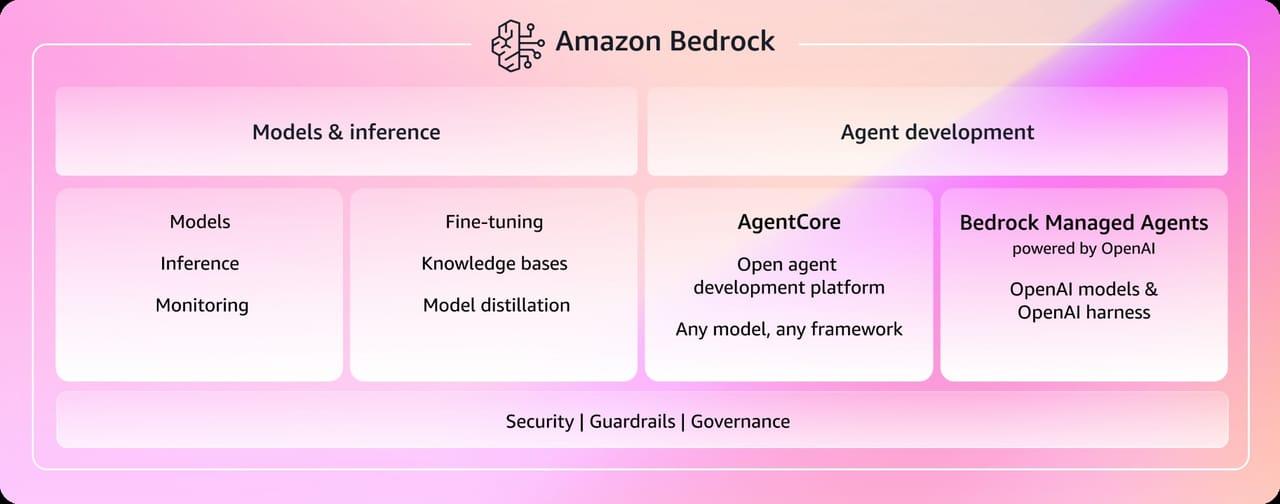
OpenAI Training Spec: GPU Performance Breakthrough

AWS Managed Agents Review: OpenAI Partnership

AWS Managed Agents Review: OpenAI Partnership

Glean AI Search Review: Enterprise Search Redefined

Glean AI Search Review: Enterprise Search Redefined

ChatGPT Security Update: Advanced Protection Features
ChatGPT Security Update: Advanced Protection Features

Mistral's Cloud Code Platform Review
Mistral's Cloud Code Platform Review

Meta Autodata: AI Framework for Autonomous Data Scientists
Meta Autodata: AI Framework for Autonomous Data Scientists

Gemini API Webhooks: Real-Time AI Automation
Gemini API Webhooks: Real-Time AI Automation

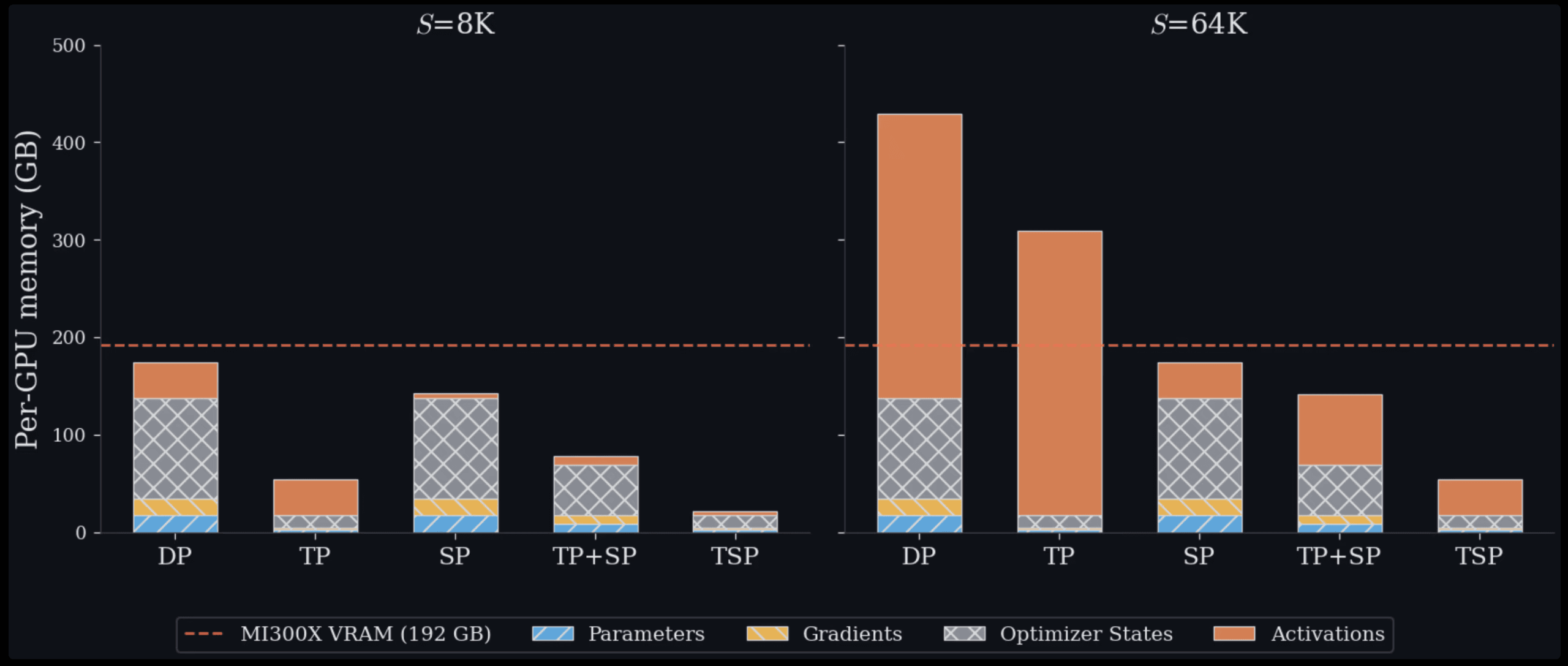
Zyphra TSP: 2.6x Faster AI Training Review

Zyphra TSP: 2.6x Faster AI Training Review

SoundHound OASYS: Self-Learning AI Agent Platform
SoundHound OASYS: Self-Learning AI Agent Platform

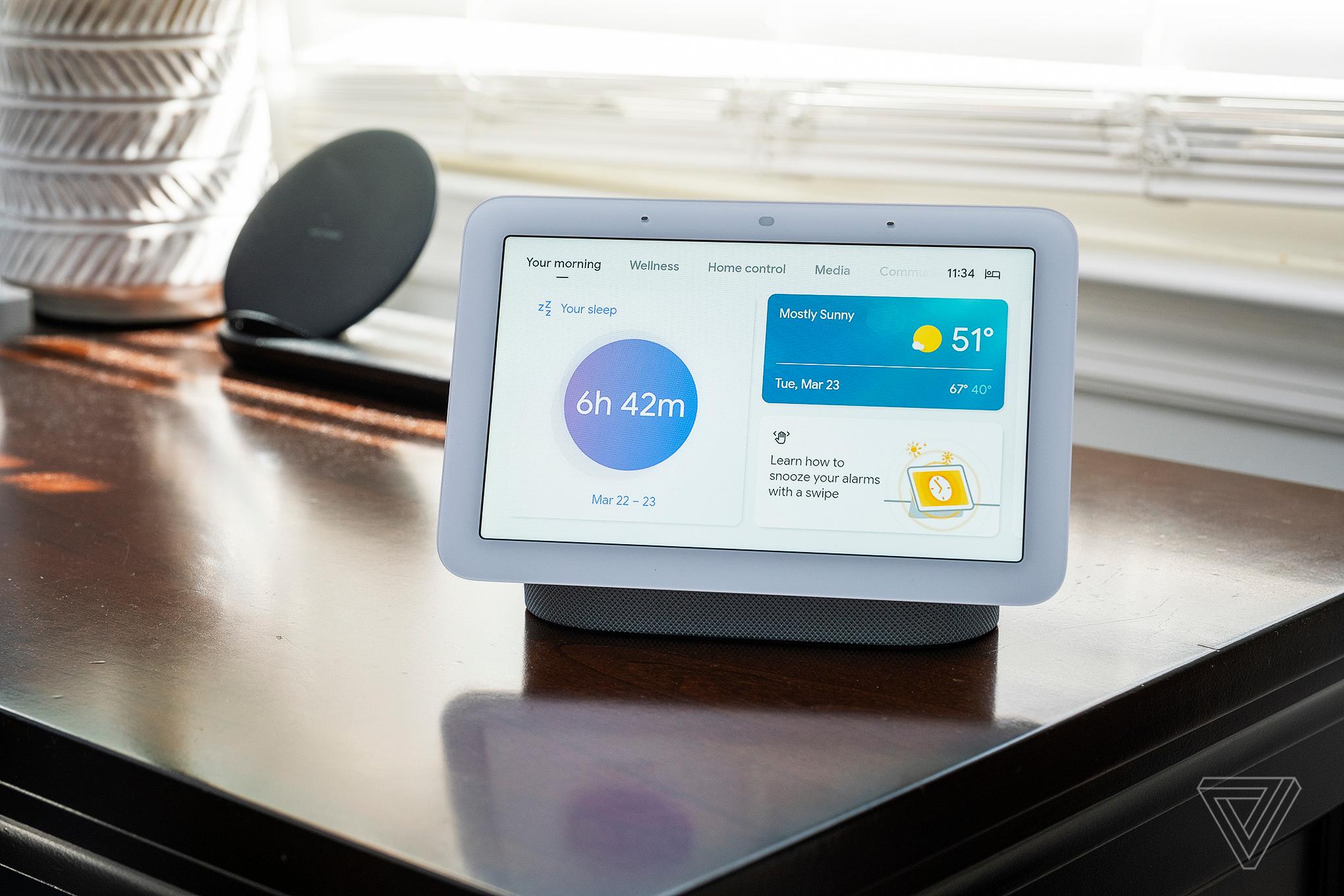
Google Home Gemini 3.1: Smarter AI Assistant
Google Home Gemini 3.1: Smarter AI Assistant

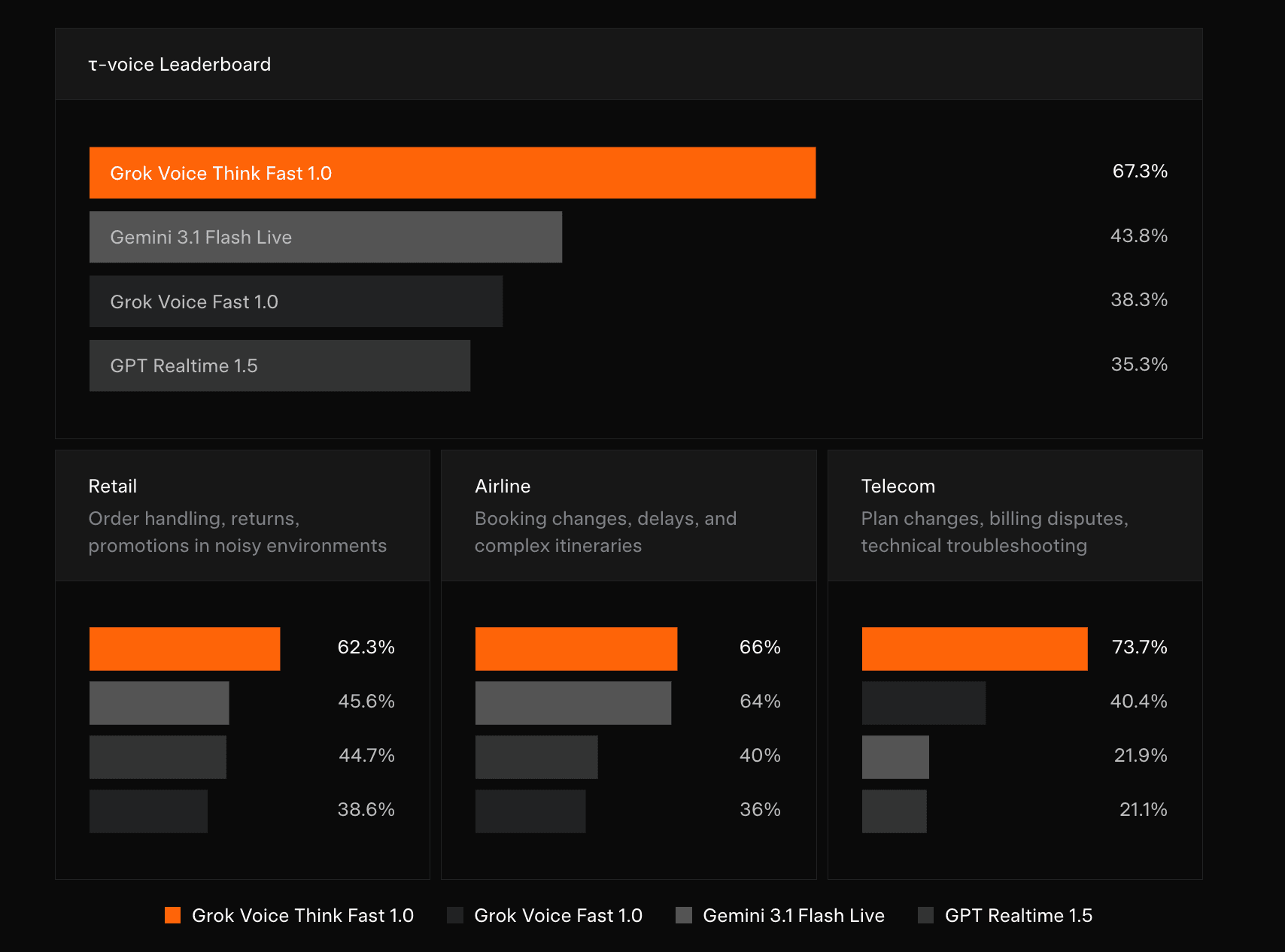
Grok Voice Think Fast 1.0 Review: AI Voice
Grok Voice Think Fast 1.0 Review: AI Voice

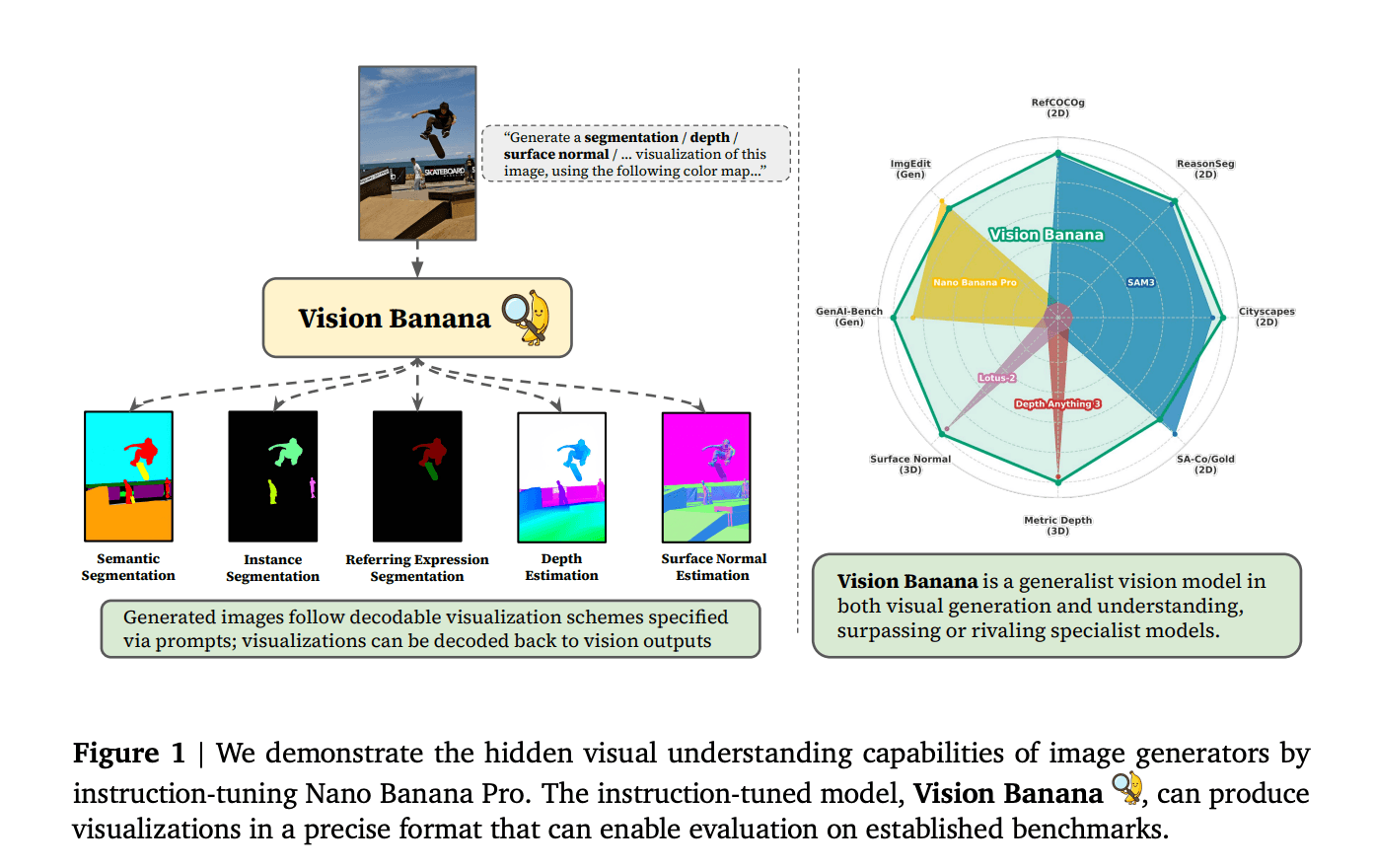
Vision Banana Review: Google's Instruction-Tuned Image Generator
Vision Banana Review: Google's Instruction-Tuned Image Generator

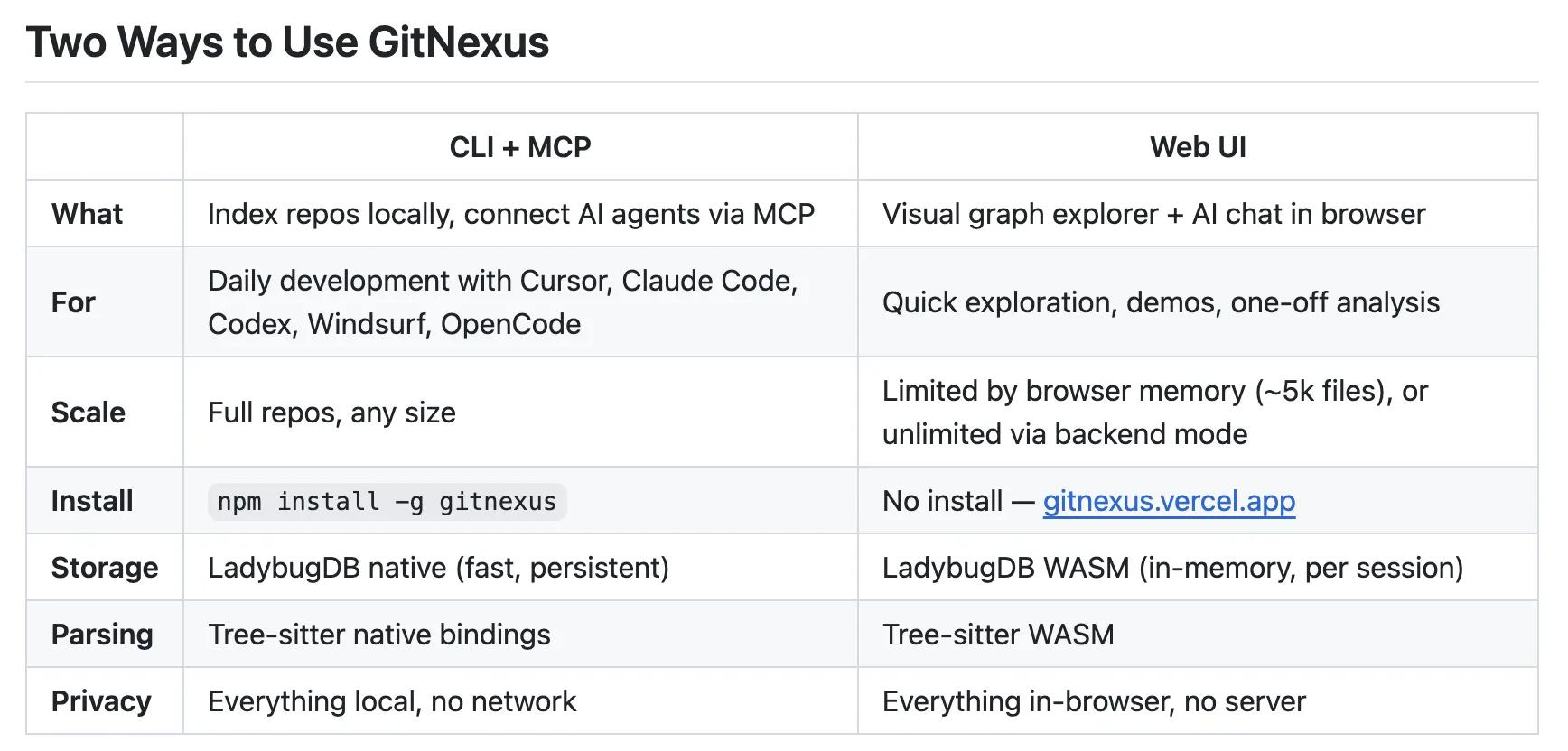
GitNexus Review: Open-Source Code Knowledge Graph
GitNexus Review: Open-Source Code Knowledge Graph

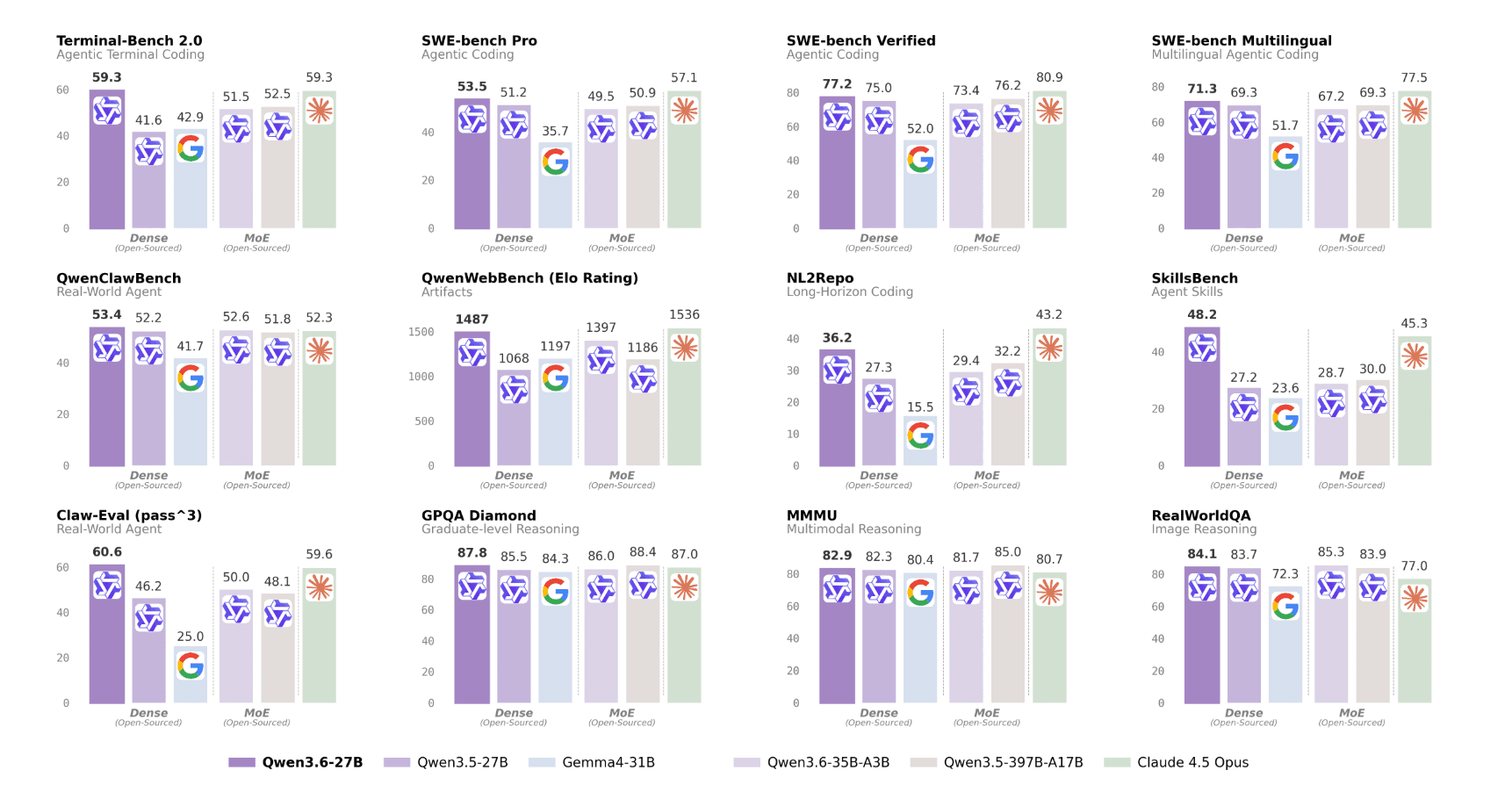
Qwen3.6-27B Review: Dense Model Outperforms 397B MoE

Qwen3.6-27B Review: Dense Model Outperforms 397B MoE

ChatGPT Workspace Agents: Custom AI Bots for Teams

ChatGPT Workspace Agents: Custom AI Bots for Teams

You Might Like These Latest News

All AI News

Stay informed with the latest AI news, breakthroughs, trends, and updates shaping the future of artificial intelligence.

AI Data Centers Face Growing Crisis

May 10, 2026

AI Data Centers Face Growing Crisis

SpaceX Plans $55B AI Chip Plant in Texas

May 8, 2026
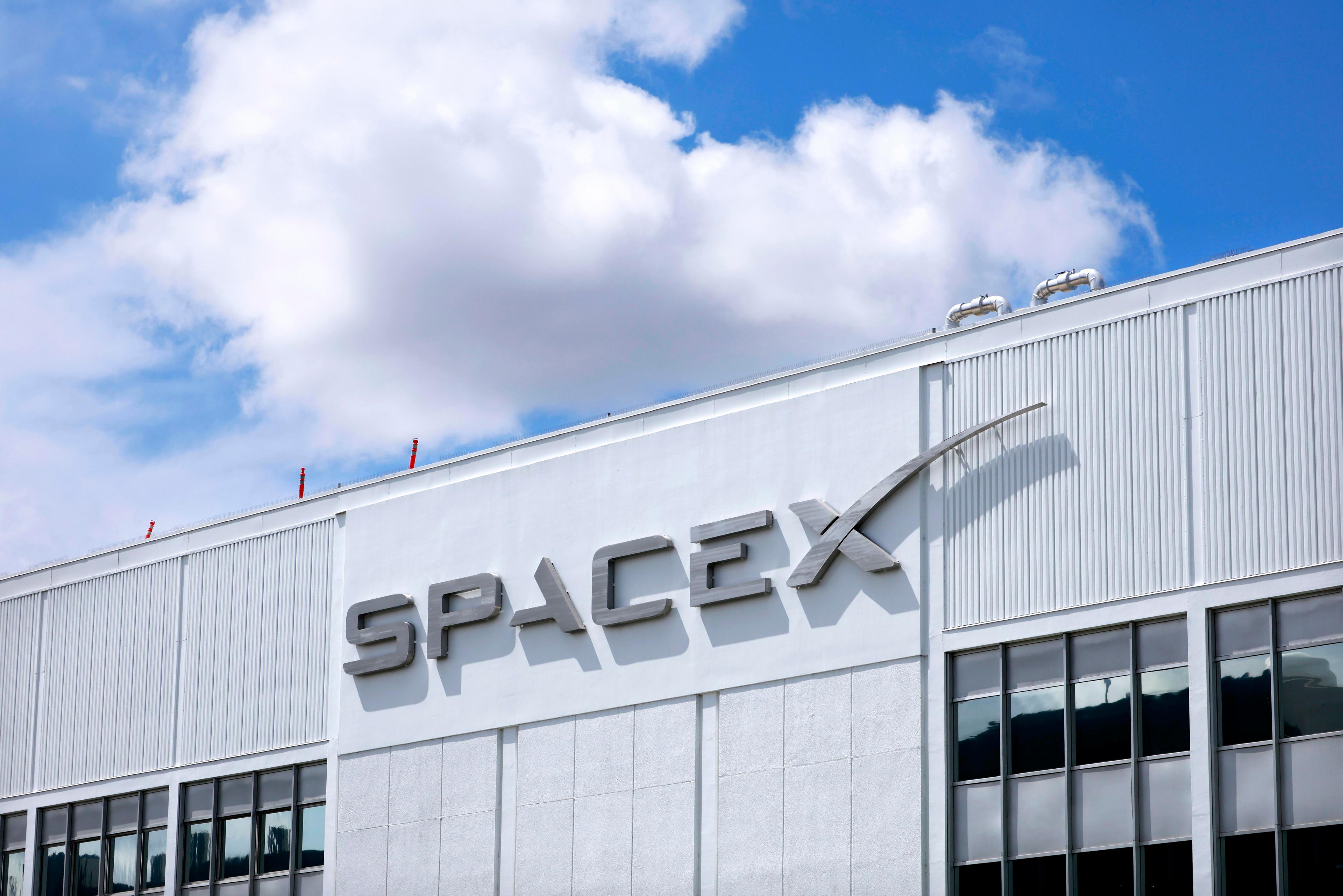
SpaceX Plans $55B AI Chip Plant in Texas

Voi Founders Launch AI Startup Pit With $16M Seed

May 8, 2026

Voi Founders Launch AI Startup Pit With $16M Seed

US Energy Secretary and NVIDIA Discuss AI-Powered Energy Future

May 8, 2026

US Energy Secretary and NVIDIA Discuss AI-Powered Energy Future

Anthropic Finance Agents Disrupt Wall Street Jobs

May 7, 2026

Anthropic Finance Agents Disrupt Wall Street Jobs

Snap Ends $400M Perplexity AI Search Deal

May 7, 2026
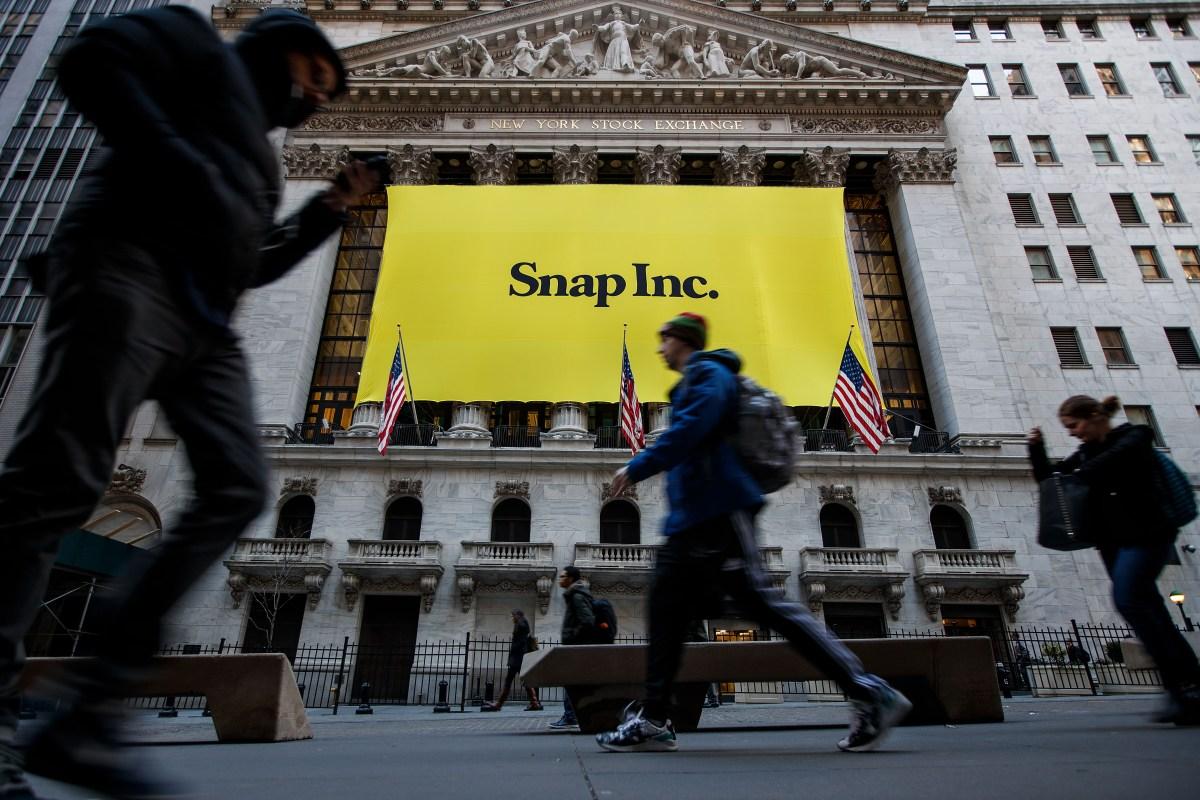
Snap Ends $400M Perplexity AI Search Deal

Microsoft Copilot Hits 20M Paid Users

May 6, 2026

Microsoft Copilot Hits 20M Paid Users

Runway Eyes World Models Beyond AI Video

May 6, 2026

Runway Eyes World Models Beyond AI Video

Microsoft to Exploit New OpenAI Deal

May 6, 2026
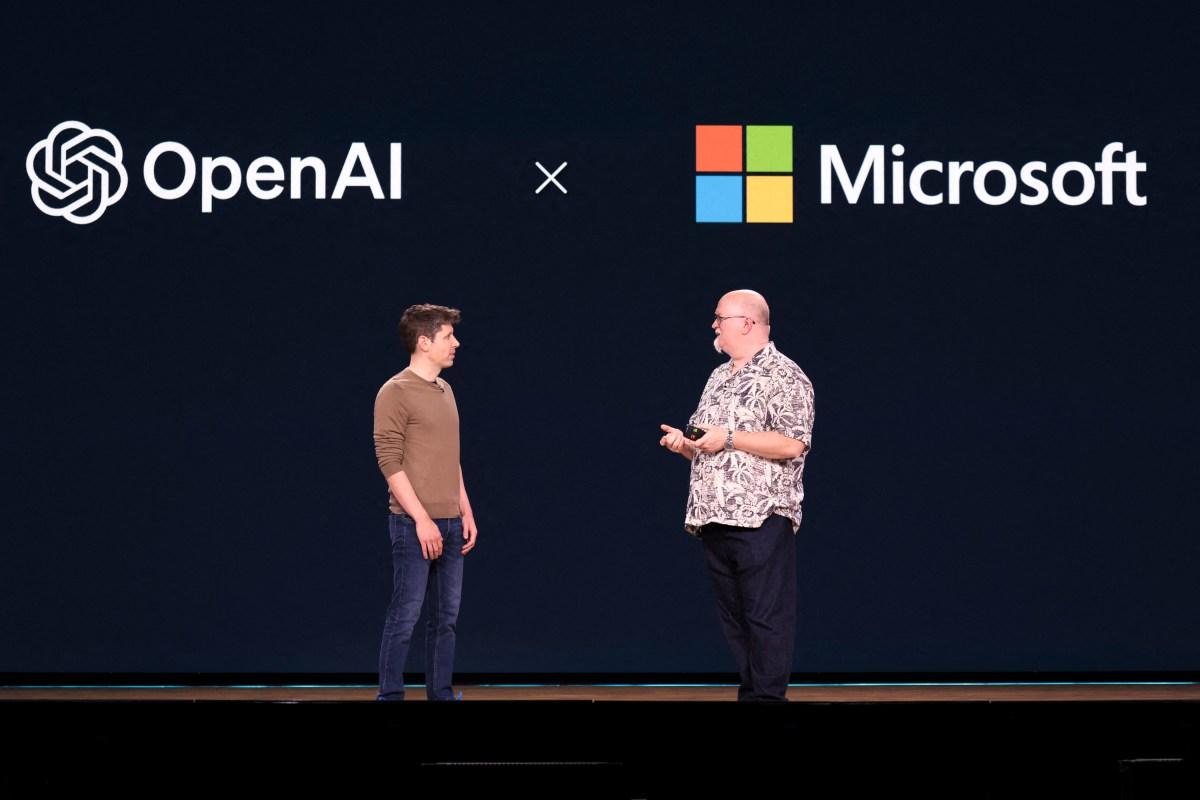
Microsoft to Exploit New OpenAI Deal
Tools of The Day

Tools of The Day

Discover the top AI tools handpicked daily by our editors to help you stay ahead with the latest and most innovative solutions.


10MAR
Adobe Illustrator
Adobe Illustrator
9MAR
Adobe Firefly
Adobe Firefly
8MAR
Adobe Sensei
Adobe Sensei
7MAR
Adobe Photoshop
Adobe Photoshop
6MAR
Adobe Firefly
Adobe Firefly
5MAR
Shap-E
Shap-E
4MAR
Point-E
Point-E

Explore AI Tools of The Day